Repository navigation
Conversation


 meta-cla
Bot
added
the
CLA Signed
meta-cla
Bot
added
the
CLA Signed

 facebook-github-tools
Bot
added
the
Shared with Meta
facebook-github-tools
Bot
added
the
Shared with Meta

|
spm_newapp in release is red. Can you check whether it is a flakyness issue or a real problem? |

|
@cipolleschi Reran ✅ |

 cipolleschi
left a comment
cipolleschi
left a comment
cipolleschi
left a comment
There was a problem hiding this comment.
Thanks for tackling this, it's a real pain point and the before/after screenshots are great. The native event is well designed: it's deduped, it re-arms on prop set, and the synchronous render avoids a first-frame flash. My concerns are all in how the extra padding gets merged into contentContainerStyle. In a few common setups it drops either the user's padding or the safe-area padding. I left inline comments.
Since this changes layout for every iOS ScrollView using automatic, scrollableAxes or always, and you already flag landscape apps as a possible breakage, could we put it behind a ReactNativeFeatureFlags flag so we can roll it out gradually?
@cipolleschi The aim is we ship this for Expo end users ASAP. Additionally we (currently) have no API for overriding individual flags from Expo in order to test them out in our framework. Latter is solvable, but likely not in this timeframe. The edge case in which this affects users:
I'm trying to balance the new users compiling in Xcode 27.1 today and suffering from this, vs the theoretically tiny cases where |
|
@huntie Fair enough, I'm fine shipping this without a feature flag given the Expo timeline and the lack of a per-flag override. The inline comments still need to be addressed before we merge, though. They're not about the new landscape behavior; they're cases where the padding merge regresses apps that never opted into anything:
Because the override is emitted even when the cross-axis insets are 0, these hit every iPhone in portrait using The other inline comments (re-renders, stale insets with a user handler, edge cases) are lower priority. If they'd slow this PR down, could you open them as a follow-up? |
|
@cipolleschi Thanks, addressed and re-tested(!) in the latest push:
The padding and RTL additions are sizeable, but thankfully this base Lower-pri comments are also fixed in the same push. |
|
Thanks for the quick turnaround, most of the previous round is addressed. One blocker remains: The
The current tests miss this: the Jest test checks the flattened style, and the Fantom test only covers the first render in LTR, where Question: under Non-blocking follow-ups: these two can land in a separate PR, could you own them?
|
d5d4ff6 to
8eb2473
Compare
|
@cipolleschi Both addressed in the latest push. 1/ 2/ Navigation stack nesting Yup, this was a problem, and this went further than On its own, UIKit leaves a horizontal scroll view in a navigation stack alone. The scroll view now removes whatever UIKit adds across the scrollable axis itself, and keeps content pinned to the leading edge. This replaces the Verified in RNTester with its root hosted in a
Follow-ups
|


|
Thanks, both are addressed. The One interaction to check before we merge: Minor: scroll events report |

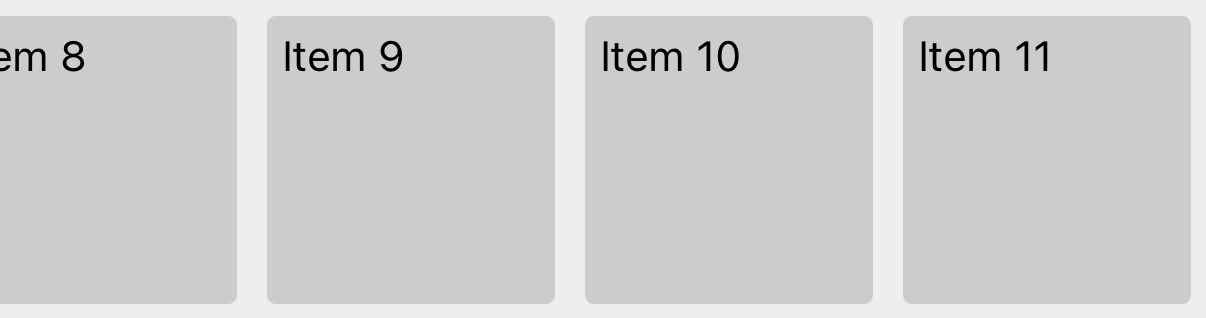
Visual regression2 visual difference(s) at ios
|
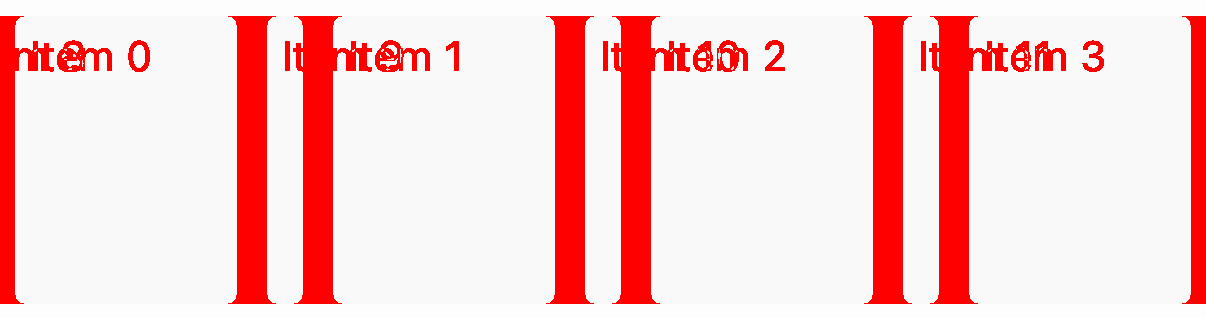
| Expected | Captured |
|---|---|
 |
 |
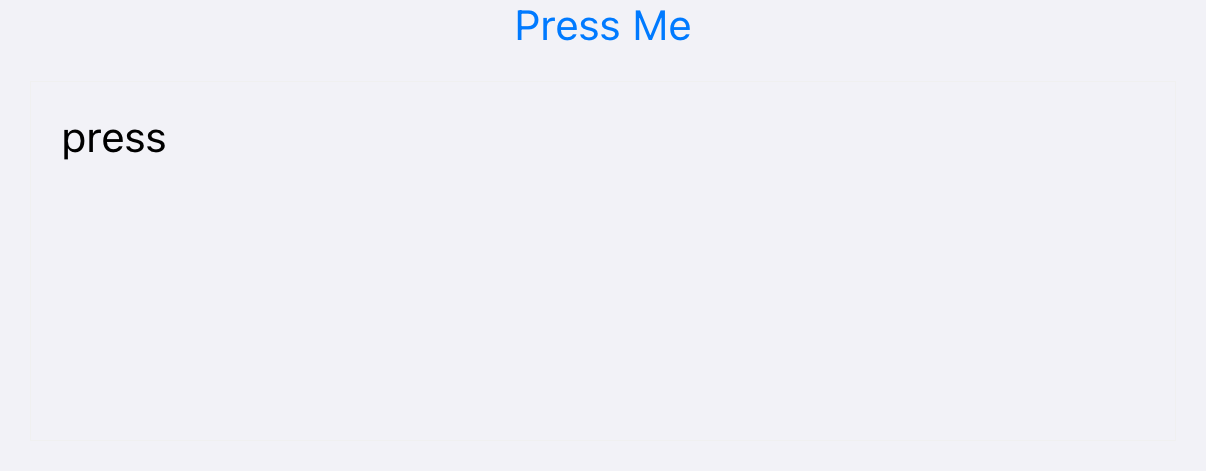
ios touchable/feedback-events/pressed: Changed, 1620 px (0.285%)

Expected and Captured
| Expected | Captured |
|---|---|
 |
 |

…al safe area (iPhone Duo)
|
@cipolleschi Feedback addressed. Sorry this makes the overall logic quite heavy now, but all states are tested. I'll see in follow up PRs what we could do to refactor maybe. |

|
@cipolleschi has imported this pull request. If you are a Meta employee, you can view this in D127787712. |

## Summary: Follow-up to #59194. `<ScrollView contentInsetAdjustmentBehavior>` keeps content clear of the safe area across the scrollable axis, such as the rail on iPhone Duo, by padding the content container. This moves that padding from JS into the content container's native component, so the safe area reaches the layout without a round trip through React. - `RCTScrollContentView`, which `<ScrollView>` already renders as its content container on iOS, becomes a component of its own instead of an alias of `View`. Its shadow node pads the Yoga style by the safe area in its state, on top of the padding the style resolves to on each edge, following the precedence Yoga gives the padding edges for the layout direction. - The scroll view hands its content container the pair of safe area insets across the scrollable axis whenever its own insets, props or window change, and zero while the behavior is `'never'`. - `<ScrollView>` no longer observes `experimental_onSafeAreaInsetsChange`, merges padding into `contentContainerStyle` or re-renders when the insets change. The JS padding helper and its tests go with it. Notes: - A scroll view moving within the safe area now costs a state update and layout per change rather than a React render. - Android is unchanged: it never renders `RCTScrollContentView`, and the shared view name mapping only loses the iOS alias. ## Changelog: [INTERNAL] [CHANGED] - Pad the iOS ScrollView content container for the safe area natively instead of from JS ## Test Plan: RNTester, ScrollView > Content Inset Adjustment Behavior, which opens a full screen modal. Every state matches the screenshots of the preceding PR. **Unit tests** ``` ReactCommon/react/renderer/components/scrollview/tests/ScrollContentViewTest.cpp ``` ✅ Run locally against the real headers with a gtest stand-in, since no OSS harness runs it: padding on top of `paddingHorizontal`, the logical edge over the physical one, a percentage on an inset edge, RTL with and without the left/right swap, and the column for a horizontal scroll view. ``` yarn jest packages/react-native/Libraries/Components ``` **iPhone Duo** (iOS 27.1) | iPhone Duo folded, never | iPhone Duo folded, automatic | iPhone Duo folded, always | |---|---|---| | <img src="scratch/rn-scrollview-safe-area-evidence/native-duo-folded-never.png" width="300" /> | <img src="scratch/rn-scrollview-safe-area-evidence/native-duo-folded-automatic.png" width="300" /> | <img src="scratch/rn-scrollview-safe-area-evidence/native-duo-folded-always.png" width="300" /> | | Rows run under the rail | ✅ Rows stop at the rail; the container's background still runs under it | ✅ Rows stop at the rail, with no sideways offset from UIKit's content inset | | iPhone Duo unfolded, automatic | |---| | <img src="scratch/rn-scrollview-safe-area-evidence/native-duo-unfolded-automatic.png" width="400" /> | | ✅ Rows stop at the rail on the open display | - ✅ Unfolding while the modal is open re-lays the rows out for the wider display without a relaunch: the controls row goes from 382 to 867 wide within a few seconds. - ✅ Horizontal, `automatic` and `always`: items stop above the home indicator, with the rail inset along the scrollable axis only. - ✅ While scrolling, the scroll indicator stays at the device edge. **iPhone 18 Pro** (iOS 27.0) | iPhone 18 Pro landscape, automatic | |---| | <img src="scratch/rn-scrollview-safe-area-evidence/native-iphone-18-pro-landscape-automatic.png" width="400" /> | | ✅ Rows stop at both insets, the camera cutout side and the opposite edge; the container's background still runs edge to edge | **Same layout as the JS version** On the folded iPhone Duo, each of `never`, `automatic` and `always` renders pixel-identical to the preceding PR, from a fresh launch of each build. The frames match, and only where the padding comes from changes: | | Preceding PR | This PR | |---|---|---| | Content container | `RCTViewComponentView`, 466 wide | `RCTScrollContentViewComponentView`, 466 wide | | Item rows under `automatic` | 372 wide, 84 clear of the rail | 372 wide, 84 clear of the rail | | Source of the 84 | `paddingEnd` merged into `contentContainerStyle` by JS | `safeAreaPadding` in the content container's native state; its props carry no padding | ℹ️ With the JS inset subscription removed, an inset change reaches layout through a state update rather than a React render. Render counts were not measured. **Xcode view debugger** Debug > Attach to Process, then Debug > View Debugging > Capture View Hierarchy, with the content container selected under `automatic`: | Preceding PR | This PR | |---|---| | <img src="scratch/rn-scrollview-safe-area-evidence/native-xcode-before-automatic-hierarchy.png" width="400" /> | <img src="scratch/rn-scrollview-safe-area-evidence/native-xcode-after-automatic-hierarchy.png" width="400" /> | | `RCTViewComponentView`, frame `(0 0; 466 1574)` | ✅ `RCTScrollContentViewComponentView`, the same frame | | Preceding PR, 3D | This PR, 3D | |---|---| | <img src="scratch/rn-scrollview-safe-area-evidence/native-xcode-before-automatic-3d.png" width="400" /> | <img src="scratch/rn-scrollview-safe-area-evidence/native-xcode-after-automatic-3d.png" width="400" /> | | The full-width container behind the inset rows | ✅ The same layers | **Nested in react-native-screens** RNTester's root hosted in a tab bar controller holding a navigation stack, with the first scroll view registered and flipped from `never` to `automatic` natively the way react-native-screens' native tabs do, and a horizontal `<ScrollView>` as the screen: - ✅ Prop unset: UIKit's insets are left alone, `adjustedContentInset={82, 0, 34, 84}`, and the cards rest below the navigation bar. - ✅ `automatic`: the container pads the top and bottom once and UIKit's cross-axis inset is removed, `adjustedContentInset={0, 0, 0, 84}`. - ✅ Switching between the values re-lays the content out in place.⚠️ Not run: Fantom, which targets Android, and an RTL layout on device; RTL is covered by the C++ cases. Co-Authored-By: Claude Fable 5.1 <noreply@anthropic.com> Claude-Session: https://claude.ai/code/session_01J8fboujvLgRUJCzXcqXPzB


Summary
<ScrollView>'scontentInsetAdjustmentBehaviorprop provides built-in safe area handling today on the vertical axis (e.g. above the home indicator), however is missing safe area handling on the cross axis (i.e. iPhone Duo vertical rail).Since #58109 (
experimental_onSafeAreaInsetsChange), we now have the API to conveniently patch this behaviour in core.From the user's perspective
This presents a very frequent code authoring issue.
Typical ScrollView code at the top of a layout today (e.g. app screen in Expo Router):
Without this diff, needs to become:
⬆️
contentInsetAdjustmentBehavior="automatic"isn't doing its job on the horizontal safe areas on a device such as iPhone Duo.With this diff the scroll view handles it alone:
automatic)And the code sample becomes resolved:
ScrollView-only hierarchy — backwards compatible ✅Why this is a bug
Remember that:
<ScrollView contentInsetAdjustmentBehavior="automatic">already handles the bottom safe area inset on relevant devices.And again, with iOS 27.1 and iPhone Duo, a typical React Native screen with a
<ScrollView>(e.g. in Expo Router) that handled safe area before, does not work now. This is a combination of:"automatic"should be automatic. By fixing this we delete the problem for all RN users.Changes
ScrollViewobserves its own safe area when the behavior is not'never'and pads the content container across the scrollable axis, on top of the padding its style resolves to on that edge.'always', on an axis that always bounces, and when a navigation stack registers the scroll view as its content scroll view, as react-native-screens does for the first scroll view of a screen. ThecontentInsetprop stays as given along the scrollable axis.horizontalprop reaches the native view on iOS, as it already did on Android, so the scroll view knows which axis it scrolls along.Impact
At the same time, if anyone was handling this before with a nested SafeAreaView, they play nicely and is backwards compatible.
Notes
Changelog:
[iOS][Fixed] - ScrollView:
contentInsetAdjustmentBehaviorkeeps content clear of the safe area across the scrollable axis, such as the rail on iPhone Duo and the notch in landscapeTest Plan
RNTester on an iPhone Duo simulator (iOS 27.1), ScrollView > Content Inset Adjustment Behavior, which opens a full screen modal:
iPhone 18 Pro simulator (iOS 27.0) in landscape, the same example. Both sides carry a safe area inset here, the camera cutout side and the opposite edge:
automatic)neverdoesNesting the layout with
<SafeAreaView>(backwards compatible)Build with a temporary toggle added in the example that wraps the rows in
react-native-safe-area-context'sSafeAreaView, with a yellow background (today's temporarily necessary authoring behaviour):automaticselected.