You signed in with another tab or window. Reload to refresh your session.You signed out in another tab or window. Reload to refresh your session.You switched accounts on another tab or window. Reload to refresh your session.Dismiss alert
{{ message }}
Repository navigation
Unable to flash MC-J86 in Vikylin C88 with OpenIPC #2758
I followed the install page for my SoC on openipc.org, and I am saying below where I diverged from it if I did.
SoC vendor
SigmaStar
SoC model
SSC378DE
Camera model
Vikylin C88
Board id
MC-J86 AWS-0003E8
Flash type
SPI NOR
Flash chip marking
25Q128S1G
Do you have a full backup of the original flash?
Yes, a full dump of the whole chip
What recovery access do you have?
Both
What you did
Using FTDI UART connected to Gnd, Rx and TX pads and succesfully dumped factory firmware with sfbin command to my tftp server, as instruction provided tftpput and tftp command did not work. I was unable to flash firmware using. This method. Sf unlock command is not available either, as though vendor limited the available commands in U-Boot. Used 3.3v volt-modded CH341A for"snander" because i saw that OpenIPC defib would not work for Sigmastar SoCs. Unfortunately snander did not work either. Then attempted to read flash chip with soic8 clip while chip remained on pcb, but that didn't work either. Couldn't even detect chip. Next step is desoldering the chip, flashing it with a full copy inclusive of bootloader, and resoldering. Any recommendations before I go down this path?
Complete serial log from power-on
Will need to check tomorrow and update issue ticket.
cat /proc/mtd
Will need to check tomorrow and update issue ticket.
Please hold off on desoldering. I don't think you need it, and it wouldn't remove the main risk on this board. I looked at your photos, the stock MC-J86 firmware, and our SigmaStar U-Boot source. None of this has been run on a J86, and I don't have your log yet, so please treat the conclusions below as source analysis.
Your board: it's an Anjoy (AnjVision) MC-J86 module, which is SSC378DE with an SC850SL sensor according to the stock firmware.
Your U-Boot is probably not cut down. What you hit looks like the normal SigmaStar SDK build, and our install page doesn't fit it well:
tftpput is disabled in the SDK source (#if 0), so it can't be there. tftp is just an abbreviation of tftpboot, which takes at most two arguments, so the upload form from the install page only prints usage.
sf unlock and sf lock don't exist in this U-Boot. Our page prints sf lock 0 anyway, and that's our mistake. For a flash chip the driver recognises, it clears write protection itself during init.
sfbin is the SDK's own backup command, and it runs sf probe, sf read and a TFTP transfer. Your dump working means flash access and networking are both fine.
The SDK configuration has the hush shell turned off. If yours does too, the page's tftpboot ... && sf erase ... && sf write ... line just prints usage, because && needs hush. That could be why flashing failed, but I can't confirm it without your output. Without hush, the three commands have to be entered separately.
The real risk is the flash chip. SigmaStar's first-stage bootloader and driver identify NOR from a table of supported chips, and the u-boot-ssc378de-nor.bin we publish has 32 entries. I can't tell from the marking (MD 25Q128S1G) what JEDEC ID your chip reports. If it isn't in that table, our bootloader may not be able to boot from the chip. Writing a full image with the chip desoldered has exactly the same problem, except that every retry means more rework. An ID that snander doesn't know could also explain why it failed, though I can't confirm that either.
Before you erase anything, please post:
The complete serial log from power-on.
The output of these commands at the U-Boot prompt:
help
printenv
sf probe 0
The start of your backup, which holds the flash table and your vendor U-Boot. This lets me check both points above properly:
It may contain your MAC address, so remove that if you'd rather not share it.
cat /proc/mtd, if you can reach a Linux shell.
The voltage on flash pin 8 with the board powered, measured with a multimeter. That rules out a 1.8 V part, which matters for your programmer.
The exact output from your earlier flashing attempt and from snander, if you still have them.
If the chip turns out to be supported, the bootloader step is below, without &&. Please wait until we've confirmed the ID, keep your dump safe, and don't continue past a command that fails. The serial console should stay open, and the board must stay powered throughout:
setenv ipaddr <camera-ip>; setenv serverip <tftp-server-ip>
mw.b 0x21000000 0xff 0x50000
sf probe 0
tftpboot 0x21000000 u-boot-ssc378de-nor.bin
sf erase 0x0 0x50000
sf write 0x21000000 0x0 ${filesize}
sf read 0x21800000 0x0 ${filesize}
cmp.b 0x21000000 0x21800000 ${filesize}
Only run reset if cmp.b reports every byte the same. The kernel and rootfs steps come after that, from OpenIPC's own U-Boot.
If the chip isn't supported, stop there. It would need adding to our bootloader first, and your dump should contain the entry we need. That's a better outcome than a board that won't boot.
After flashing: the published ssc378de image includes an SC850SL driver and a load entry for it, so I'd expect the sensor to be handled, but I don't have a report of it streaming on this board. There's also no SC850SL tuning file in the package, so image quality may need work.
Anjoy # help
? - alias for 'help'
base - print or set address offset
bootm - boot application image from memory
bootp - boot image via network using BOOTP/TFTP protocol
btime - Show booting time
chpart - change active partition
cmp - memory compare
cp - memory copy
crc32 - checksum calculation
dbg - set debug message level. Default level is INFO
dcache - enable or disable data cache
debug - Disable uart rx via PAD_DDCA to use debug tool
dhcp - boot image via network using DHCP/TFTP protocol
dstar - script via SD/MMC
eeprom - EEPROM sub-system
env - environment handling commands
estar - script via network
estart - EMAC start
fatformat- fatformat - disk format by FAT32
fatinfo - print information about filesystem
fatload - load binary file from a dos filesystem
fatls - list files in a directory (default /)
fatrm - delete a file
fatsize - determine a file's size
fatwrite- write file into a dos filesystem
fdisk - fdisk - fdisk for sd/mmc.
go - start application at address 'addr'
gpio - Config gpio port
help - print command description/usage
i2c - I2C sub-system
icache - enable or disable instruction cache
initDbgLevel- Initial varaible 'dbgLevel'
loop - infinite loop on address range
macaddr - setup EMAC MAC addr
md - memory display
mm - memory modify (auto-incrementing address)
mmc - MMC sub system
mmcinfo - display MMC info
mssdmmc - Mstar SD/MMC IP Verification System
mstar - script via TFTP
mtdparts- define flash/nand partitions
mw - memory write (fill)
nm - memory modify (constant address)
otpctrl - Used for otp program/read.
phy_r - phy read
phy_w - phy write
ping - send ICMP ECHO_REQUEST to network host
printenv- print environment variables
reset - Perform RESET of the CPU
riu - riu - riu command
run - run commands in an environment variable
saveenv - save environment variables to persistent storage
sdstar - script via sd package
setenv - set environment variables
sf - SPI flash sub-system
sfbin - for uploading sf image to a server(via network using TFTP protocol)
srcfg - sensor pin and mclk configuration.
tftpboot- boot image via network using TFTP protocol
uart - UART sub-system
udpbc - Send or receive UDP broadcast to/from server using UDP protocol
version - print monitor, compiler and linker version
Thanks, this answers the main question: your flash chip is supported, so there's no need to desolder it. Your log and help output also rule out a couple of my earlier guesses.
What your output shows
[FLASH] Device id is 0xc8 0x40 0x18 is in OpenIPC's table for this bootloader. It's the GigaDevice GD25Q128 ID, even though your chip is marked MD. The entry's 16 MiB size, 4K sectors and 54 MHz clock all match your log (SPI 54M). I can only compare those values, so a chip that reports this ID without being a GigaDevice part could still behave differently.
Your help output confirms that tftpput and sf lock aren't on your bootloader, while sfbin and tftpboot are. So your U-Boot isn't locked down.
3.3 V on pin 8 rules out a 1.8 V part. The ID is also a common one, so my idea that snander didn't recognise it is unlikely. Clip failures with the chip on the board are usually the programmer struggling to power the SoC too, but that's a guess without its output.
sf probe 0 printing nothing isn't a concern. Your bootcmd runs the same command and the kernel then loads fine.
You can skip the dd step. It was meant to run on your PC rather than in U-Boot, which is why it wasn't recognised, but I don't need that file any more. Item 6 is optional now too.
The corruption
You're right, something is damaged, but it won't get in the way. The bootloader and kernel are fine. The damage shows up in the stock rootfs: Failed to read block 0x5c095c is a position inside the rootfs, which starts at 0x230000, so it's around flash offset 0x7F0000. Flashing OpenIPC replaces that area anyway. I can't tell from the log what caused it or how far it extends.
Check your backup first
It's your only way back, and two things make me want to check it:
Your backup should be exactly 16,777,216 bytes. Your printenv has filesize=a4bbe0, which means the last saved transfer was 10,795,488 bytes. What was that file? If your backup is that size, it's incomplete.
It may have been taken after the damage happened. On Linux or WSL you can test the rootfs inside it:
If that reports errors, the backup has the same damage. It would still restore your bootloader and kernel.
Please also tell me which commands you ran earlier, in particular any sf erase or sf write.
Step 1: flash the bootloader
Get u-boot-ssc378de-nor.bin from the install page or the release and check it before use. GitHub gave me a 92-byte error page instead of this file today, and TFTP would send that without complaint. It should be 246,480 bytes, with this sha256:
Note your MAC from printenv ethaddr. Then enter these one line at a time. First, help sf: if it doesn't list erase and write, stop and post the output.
help sf
setenv ipaddr <camera-ip>; setenv serverip <tftp-server-ip>
mw.b 0x21000000 0xff 0x50000
sf probe 0
tftpboot 0x21000000 u-boot-ssc378de-nor.bin
tftpboot must report Bytes transferred = 246480 (3c2d0 hex). If it doesn't, stop here, because nothing has been erased yet. If it does:
sf erase 0x0 0x50000
sf write 0x21000000 0x0 ${filesize}
sf read 0x21800000 0x0 ${filesize}
cmp.b 0x21000000 0x21800000 ${filesize}
cmp.b must report that all 246480 bytes were the same. Keep the power on throughout, and if cmp.b reports a difference, don't reset. Repeat the erase and write, and post the output if it still differs. If it passes:
reset
Step 2: flash Linux
Hold Enter during power-on until you get the OpenIPC # prompt. Extract uImage.ssc378de and rootfs.squashfs.ssc378de from openipc.ssc378de-nor-lite.tgz into your TFTP folder, and check them against the .md5sum files in the archive. Then:
setenv ipaddr <camera-ip>; setenv serverip <tftp-server-ip>
setenv ethaddr <your-mac>
saveenv
run uknor
run urnor
sf erase 0x750000 0x8b0000
reset
This is the install page's sequence for a 16 MB chip with the default 8 MB layout, plus the ethaddr line and split onto separate lines. run uknor and run urnor only exist in OpenIPC's U-Boot, so they have to come after Step 1. Each should report a successful transfer and write before you run the next line.
What could go wrong
Nobody has tried this on a J86 as far as I know, and I can't test it here. If the new bootloader doesn't start after Step 1, the camera has no working U-Boot and needs a programmer, and that's when desoldering would make sense. Your console output from the failed boot would still be useful, and the backup goes back on with the chip off the board.
If it boots, you'll be asked to set a root password on first login, and the EULA is yours to accept at that point. Please post the boot log either way. As I said before, SC850SL streaming is unproven on this board, so dmesg and whether video appears would be really useful.
You are awesome! The flash was successful. Unfortunately, I noticed that it would not take my mac address entry, with colons or without. See attached log.
Great work, and thanks for the log. The MC-J86 now boots OpenIPC: the new bootloader found your flash, the kernel and rootfs came up, the sensor was detected as sc850sl, majestic started, and DHCP gave the camera 192.168.68.123. That's the first boot I know of on this board.
The MAC error came from my instructions, sorry. That setenv ethaddr line doesn't work here. On its very first boot, OpenIPC's U-Boot set ethaddr to its placeholder 00:00:23:34:45:66 and saved it. U-Boot treats ethaddr as write-once, so Can't overwrite "ethaddr" was it refusing your correct address. The other error, on the attempt without colons, was just the format. You didn't do anything wrong, and the install page has the same problem.
Nothing is broken in the meantime. Your log shows Linux replaced the placeholder with a random private address:
check_mac: 00:00:23:34:45:66 is the placeholder shipped fleet-wide, assigned 02:e5:5d:60:e8:8e
That address persists, so the camera works fine with it. If you want your original MAC back, for a DHCP reservation for example, do this once you're logged in, using colons:
set_mac aa:bb:cc:dd:ee:ff
reboot
Use your real MAC in place of the example. get_mac will then show it, and it's stored in the U-Boot environment, so it survives a firmware reset.
Logging in
The camera starts unclaimed, so there's no default password. You can claim it either of two ways:
Browser: open http://192.168.68.123/ and the setup page will ask you to set a password.
SSH or serial: log in as root, and you'll be prompted to set one.
Either way, you'll be shown the Majestic EULA first, and accepting it is your decision. Video stays off until the camera is claimed.
What I'd still like to know
The log ends at the login prompt, so a working stream isn't confirmed yet. Once you're in, please post:
Whether video works at rtsp://root:<password>@192.168.68.123/stream=0, and how the picture looks. There's no SC850SL tuning file in the package, so odd colours or exposure would be worth knowing about.
The output of logread | grep -iE 'majestic|sensor|error' | tail -50 and dmesg | tail -30.
Whether IR cut, IR LEDs and audio work, if you try them. The GPIO numbers for this board aren't documented yet, so anything you find would help the next J86 owner.
Please also keep your backup, since it's now the only way back to stock. If you still want to, check that it's 16,777,216 bytes. And if you remember what that 10.8 MB transfer was, or which commands ran before the corruption, I'd still like to know.
root@ssc378de-sc850sl:~# logread | grep -iE 'majestic|sensor|error' | tail -50
Nov 5 15:05:14 openipc-ssc378de user.debug majestic[792]: announced again as 192.168.68.126 on eth0
Nov 5 15:05:17 openipc-ssc378de user.debug majestic[792]: onvif discovery sent Hello again via eth0
Nov 5 15:05:18 openipc-ssc378de user.debug majestic[792]: announced again as 192.168.68.126 on eth0
Nov 5 15:05:21 openipc-ssc378de user.info majestic[792]: Live backlog budget: 14536 KiB of 53848 KiB RAM (board-class bound, memory available 38428 KiB); 1280 KiB per session, so about 11 concurrent live viewers across /ws/video, WebRTC, RTSP-over-TCP, /mjpeg and /video.mp4. L
Nov 5 15:05:43 openipc-ssc378de user.debug majestic[792]: onvif discovery sent Probe via eth0
Nov 5 15:05:55 openipc-ssc378de user.err majestic[792]: No stream is bound frame by frame, so no uncompressed frame can be held
Nov 5 15:05:55 openipc-ssc378de user.debug majestic[792]: Native WebRTC client 0xb6c4d530 connected
Nov 5 15:05:55 openipc-ssc378de user.err majestic[792]: no usable video codec in the offer; the peer offered 10 codec(s):
Nov 5 15:05:55 openipc-ssc378de user.err majestic[792]: pt 102 H.264 profile-level-id 42001f packetization-mode 1 level-asymmetry-allowed
Nov 5 15:05:55 openipc-ssc378de user.err majestic[792]: pt 104 H.264 profile-level-id 42001f packetization-mode 0 level-asymmetry-allowed
Nov 5 15:05:55 openipc-ssc378de user.err majestic[792]: pt 108 H.264 profile-level-id 42e01f packetization-mode 1 level-asymmetry-allowed
Nov 5 15:05:55 openipc-ssc378de user.err majestic[792]: pt 114 H.264 profile-level-id 42e01f packetization-mode 0 level-asymmetry-allowed
Nov 5 15:05:55 openipc-ssc378de user.err majestic[792]: pt 116 H.264 profile-level-id 4d001f packetization-mode 1 level-asymmetry-allowed
Nov 5 15:05:55 openipc-ssc378de user.err majestic[792]: pt 39 H.264 profile-level-id 4d001f packetization-mode 0 level-asymmetry-allowed
Nov 5 15:05:55 openipc-ssc378de user.err majestic[792]: pt 41 H.264 profile-level-id f4001f packetization-mode 1 level-asymmetry-allowed
Nov 5 15:05:55 openipc-ssc378de user.err majestic[792]: pt 43 H.264 profile-level-id f4001f packetization-mode 0 level-asymmetry-allowed
Nov 5 15:05:55 openipc-ssc378de user.err majestic[792]: pt 118 H.264 profile-level-id 64001f packetization-mode 1 level-asymmetry-allowed
Nov 5 15:05:55 openipc-ssc378de user.err majestic[792]: pt 120 H.264 profile-level-id 64001f packetization-mode 0 level-asymmetry-allowed
Nov 5 15:05:55 openipc-ssc378de user.err majestic[792]: video0 encodes H.265 profile-id 1 tier 0 level-id 150; video0.size drives the level, the profile is Main and cannot be changed, and video0.codec h264 is what serves a peer that cannot take HEVC
Nov 5 15:05:55 openipc-ssc378de user.err majestic[792]: Nothing this camera encodes is something the peer can decode
Nov 5 15:05:55 openipc-ssc378de user.debug majestic[792]: Native WebRTC client 0xb6c4d530 disconnected
Nov 5 15:05:56 openipc-ssc378de user.debug majestic[792]: Native WebRTC client 0xb6c4d620 connected
Nov 5 15:05:56 openipc-ssc378de user.debug majestic[792]: offer has no video section
Nov 5 15:05:56 openipc-ssc378de user.debug majestic[792]: ICE will ask STUN server stun.cloudflare.com:3478 for a reflexive address
Nov 5 15:05:56 openipc-ssc378de user.debug majestic[792]: ICE send buffer 1048576 bytes (asked 524288)
Nov 5 15:05:56 openipc-ssc378de user.debug majestic[792]: ICE receive buffer 393216 bytes (asked 262144)
Nov 5 15:05:56 openipc-ssc378de user.info majestic[792]: WebRTC answering with a data channel for stream 0 (peer takes messages up to 262144 bytes)
Nov 5 15:05:56 openipc-ssc378de user.debug majestic[792]: ICE local candidate:1 1 udp 2130706431 192.168.68.126 52313 typ host
Nov 5 15:05:56 openipc-ssc378de user.debug majestic[792]: ICE candidate address 01ac330c-3713-49c4-8848-2db7bc39c44f.local is not an IPv4 literal; relying on the peer's checks instead
Nov 5 15:05:56 openipc-ssc378de user.debug majestic[792]: ICE STUN server stun.cloudflare.com resolved to 162.159.207.0 and 0 other address(es)
Nov 5 15:05:56 openipc-ssc378de user.debug majestic[792]: ICE remote candidate 174.84.50.50:62360 (signalled)
Nov 5 15:05:56 openipc-ssc378de user.debug majestic[792]: ICE remote candidate 192.168.68.118:62360 (peer-reflexive)
Nov 5 15:05:56 openipc-ssc378de user.info majestic[792]: ICE nominated pair with 192.168.68.118:62360
Nov 5 15:05:56 openipc-ssc378de user.info majestic[792]: WebRTC ICE connected; starting DTLS
Nov 5 15:05:56 openipc-ssc378de user.debug majestic[792]: DTLS starting as client
Nov 5 15:05:56 openipc-ssc378de user.info majestic[792]: ICE reflexive address is 174.84.50.50:52313
Nov 5 15:05:56 openipc-ssc378de user.info majestic[792]: DTLS peer certificate matches the signalled fingerprint
Nov 5 15:05:56 openipc-ssc378de user.info majestic[792]: DTLS handshake done, SRTP profile AES128_CM_HMAC_SHA1_80
Nov 5 15:05:56 openipc-ssc378de user.info majestic[792]: WebRTC DTLS up; associating SCTP for a data channel on stream 0
Nov 5 15:05:56 openipc-ssc378de user.info majestic[792]: SCTP association up (peer window 5242880, forward-tsn yes)
Nov 5 15:05:56 openipc-ssc378de user.info majestic[792]: data channel open on stream 0
Nov 5 15:05:56 openipc-ssc378de user.info majestic[792]: WebRTC data channel up, carrying stream 0
Nov 5 15:06:02 openipc-ssc378de user.debug majestic[792]: ICE pair with 192.168.68.118:62360 is valid
Nov 5 15:06:13 openipc-ssc378de user.debug majestic[792]: onvif discovery sent Probe via eth0
Nov 5 15:06:20 openipc-ssc378de user.warn majestic[792]: SCTP association failed: peer aborted the association
Nov 5 15:06:20 openipc-ssc378de user.info majestic[792]: data channel closed: peer aborted the association (srtt 4 ms, rto 200 ms; 518 retransmitted: 0 fast, 119 found by time, 399 tail probes, 0 timeouts)
Nov 5 15:06:20 openipc-ssc378de user.warn majestic[792]: WebRTC session closing: peer aborted the association
Nov 5 15:06:20 openipc-ssc378de user.debug majestic[792]: Native WebRTC client 0xb6c4d620 disconnected
Nov 5 15:06:43 openipc-ssc378de user.debug majestic[792]: onvif discovery sent Probe via eth0
Nov 5 15:07:13 openipc-ssc378de user.debug majestic[792]: onvif discovery sent Probe via eth0
root@ssc378de-sc850sl:~#
and....
root@ssc378de-sc850sl:~# dmesg | tail -30
ISP AlgoEvent, Ch=0, Type=2, En=1
[CameraAllocDmaBuffer][0xc0bcc860][ISP0_WDR0]Sz=0xa00 , Miu=0x4018d4c0, Virt=0xc91e64c0
[CameraAllocDmaBuffer][0xc0bcc860][ISP0_WDR1]Sz=0x94ab0 , Miu=0x4018dec0, Virt=0xc91eaec0
[Camera3DNR_AllocateBuffer] W=3840, H=2160
[CameraAllocDmaBuffer][0xc0bcc860][DNR0_INFO1]Sz=0x82c80 , Miu=0x40222980, Virt=0xc9283980
[CameraAllocDmaBuffer][0xc0bcc860][DNR0_INFO0]Sz=0x1fa400 , Miu=0x402a5600, Virt=0xc930a600
[CameraAllocDmaBuffer][0xc0bcc860][DNR0_INFO2]Sz=0x779f40 , Miu=0x4049fa00, Virt=0xc9509a00
[0]===== [DrvIspPowerOn] =====
[Ch0]tAeOutput: sh=300, sg=1024, dg=1024
[CMDQ1] Virtual IRQ: 58
CMDQ - IRQ Request 1
[Dev 0]CmdQ Free ID = 1, IspLocalCmdQHnd = 0xb2395f41
[CameraAllocDmaBuffer][0xc0bcc860][ISP0_CMDQ]Sz=0x12c00 , Miu=0x40c19940, Virt=0xc9c87940
[CameraIspCmdqBuffer_Init]WrPtr:0, Ref:0xc0cd6f98, BufVir:0xc9c87940
[CameraIspCmdqBuffer_Init]WrPtr:1, Ref:0xc0cd6fb8, BufVir:0xc9c90f40
[MhalCameraOpen] Finished(9687) =========
[CMDQ2] Virtual IRQ: 58
CMDQ - IRQ Request 2
dev0 dev_type0 bAllowPreemptionSram:0 bNeedSram:1 bUsePreDevBuf:0 u32SramSize:1c800
Create mhal dev0 dev_type1
dev0 dev_type1 bAllowPreemptionSram:0 bNeedSram:1 bUsePreDevBuf:0 u32SramSize:1c800
mod:2 dev:0 chn:0 port:0 has set eStrategy, but it will be covered by E_MI_SYS_FRC_STRATEGY_BY_PERIOD
[MI WRN] [16297]: The user does not call MI_VENC_CreateDev to create the device defore using MI_VENC_CreateChn.
By default, (8192x6480) is used to as the maximum encoding width and height of the device8
Create mi dev8 dev_type2
Create mhal dev8 dev_type2
dev8 dev_type2 config memory base address:0x40000000
dev8 dev_type2 bAllowPreemptionSram:0 bNeedSram:0 bUsePreDevBuf:1 u32SramSize:0
mod:2 dev:8 chn:2 port:0 has set eStrategy, but it will be covered by E_MI_SYS_FRC_STRATEGY_BY_PERIOD
root@ssc378de-sc850sl:~#
IR cut filter cannot be detected by majestic, and tried majestic's GPIO pin search and it couldn't find it either.
Video working is great news, so the sensor, driver and streamer are all doing their job. Thanks for the logs.
Why it's washed out
The image has no tuning file (IQ) for this sensor. OpenIPC looks for /etc/sensors/sc850sl.bin, and that file isn't on the image. The camera still runs without it, so the ISP is simply untuned. You can confirm with ls /etc/sensors.
Fix: use the IQ file from the vendor firmware
The stock firmware doesn't have a file called sc850sl. Anjoy's J86 build ships it as gc4023_day.bin, and despite the name, that image was built from an sc850sl configuration and has no other real day tuning file. I haven't proven stock loads exactly this file for your sensor, so please treat this as the best candidate. It's the same format as OpenIPC's own IQ files, and it's easy to undo.
On your PC (Linux or WSL), get the file from our public archive of Anjoy's stock firmware:
The file should be 146736 bytes, and the log should show Load isp file /etc/sensors/sc850sl.bin. If the picture doesn't change, reboot and check that log line again. The file lives in the overlay, so it survives a reboot and a normal upgrade, but firstboot removes it.
If it looks worse
Going back is one command: rm /etc/sensors/sc850sl.bin, then reboot.
There's also a second candidate. OpenIPC shipped its own sc850sl.bin for a short time in 2024, and it's still in our git history. On the camera:
The md5 should be db00364e550f67106d4f236dc1b0d2d2. Please tell me which of the two looks better, ideally with a snapshot from each, including the untuned one if you still can. These are daytime files, so I'd also like to know how night mode looks once IR is working.
IR cut
I couldn't work out the IR-cut pins from the stock firmware, so I don't have an answer yet. The GPIO numbers it mentions are 13, 30, 31, 32, 51, 54, 61, 75 and 140, but I can't say what any of them does, so they're only leads. Some probably drive LEDs or other hardware. The IR-cut filter usually clicks audibly when it's driven, and it normally takes a pair of pins pulsed in turn. For a pin you want to try:
Any click would be really useful to report, along with which pin it came from. Please don't leave pins driven if you see something unexpected, and a reboot clears them all.
The MC-J86 hasn't had this done before, so whatever works here will help the next owner.
I cannot report on quality of gc4023_day.bin as IR cut filter cannot be made to work, and soc temperature is spiking to 85C, main stream was very slow choppy in browser view. i also tried second candidate sc850sl.bin and the white led illuminator GPIO 13 is stuck on! (prior to all this also installed November 5th nightly update for ssc378de). I removed both of the suggested *.bin and am back on the basic untuned setting. I will try gc4023_day.bin again, here we go:
I also believe most of the stuttering and connectivity issues were related to the live feed in the browser being webrtc vs. mse.
This is a snapshot of gc4023_day.bin (notice the focus seems to be off, the near range is sharp, and far away is blurry. I never turned the lens, but I did remove the lens body from the PCB temporarily to access the flash chip yesterday. Not sure why the focus is off now.)
Thanks for testing all of that. I went through your log and snapshot, and most of this looks fixable. It isn't all one problem, though.
Corrections to my last comment
Please drop GPIO 140 from the list. It isn't a real pin on this chip: the kernel's pad list stops at 85.
GPIO 13 is out too, now that you've found it's the white LED.
GPIO 32 may already be in use, because something claims it at boot.
That leaves 30, 31, 51, 54, 61 and 75 as leads. They're still only leads.
My isp file check was also badly placed. Run it after a reboot, as shown below. An empty result right after killall -HUP majestic doesn't tell us whether the file loaded.
errors-1.txt
I don't see a crash, out-of-memory error or kernel oops in it. Most of these lines are normal SigmaStar driver chatter. The ss_gpi_intc_domain_alloc lines are debug messages printed at error level, not faults. Three lines I can't explain yet: Fail to get pad(131331), read pad-ctrl failed and the HAL_SCL_CHIP_WaitCmdqIdle timeout. Video runs despite them, so I'm not treating them as the cause of anything so far.
If something specific is misbehaving, please describe what you see and when. That will help more than the log alone.
IQ file
Your gc4023_day.bin snapshot is no longer washed out, but it now has very dark blacks and a cool cast. So this file may not be the right tuning, and we still haven't confirmed it loaded. With the file in place:
reboot
Within a minute of it coming back:
logread | grep -i 'isp file'
ls -l /etc/sensors/
Then please save one picture from http://<camera-ip>/image.jpg. Save the file itself from the browser, not a screenshot, because the last snapshot had been re-saved at a different size. Then rm /etc/sensors/sc850sl.bin, reboot, and save the same view again so we have an untuned picture to compare. If the first picture comes out small, that's fine, since it only needs to show colour and exposure.
White LED stuck on
A tuning file shouldn't touch a GPIO directly. My best guess is that the different tuning changed the gain, the camera decided it was night, and that turned on a lamp set to pin 13. Your log also suggests something used pins 80, 81 and 13 in that order. Please post:
cli -g .nightMode
Did you set those pins yourself, or did they come from the pin search? Did the IR cut work on the stock firmware before flashing?
Browser stream
I think you're right that WebRTC is the problem. Your earlier log shows the browser offered only H.264 while the camera was sending H.265, so WebRTC fell back to a data channel. Staying on MSE avoids that. If you want WebRTC, switch the main stream to H.264:
cli -s .video0.codec h264
reboot
Temperature
I don't know yet whether 85°C is normal for this board, and nothing in the log explains it. Where did you read that number, and did the camera have its case on? Does it stay that high with nobody watching a stream, or only while viewing?
Focus and IR cut
Both of these may come from taking the lens body off. Sharp up close and blurry far away usually means the lens now sits slightly too far from the sensor.
With the power off, check that the holder is flat against the PCB and the screws are tightened evenly.
Check whether the IR-cut filter has a small two-wire cable or connector, and that it's fully seated. A loose one would also make the filter silent however the pins are driven.
If focus is still off, watch the live view and turn the lens slightly further in.
If the filter's wires are reachable, it would also help to know whether anything on the board connects to them. Nothing above has been tested on a J86, so please treat the causes as things to check rather than conclusions.
Though they work, I will need a PWM configuration for these two, as turning on the white lamp causes the video feed to freeze. I suspect the 0 or 1 state for this GPIO pin draws too much power from the voltage regulator, causing the SoC to temporarily freeze/lose timing. PWM will let the LED be driven with less power, and hopefully avoid that issue.
GPIO 13 = White Lamp LED
GPIO 14 = IR LED
Regarding the following two GPIOs, this was not a simple GPIO pin assignment. This required clearing the pad multiplexer or something along those lines but now I don't remember the details of the steps taken. Please also add this to the configuration:
GPIO 80 = IR-cut filter, opening coil
GPIO 81 = IR-cut filter, closing coil
Also, I would like you to create an OpenIPC firmware for this camera that is a 16MB "Ultimate" flavor/variant, taking into account my findings above. Perhaps here you will make the change and then build me a new firmware:
In addition, here is my majestic.yaml, with the improvements to color and exposure that I found (still using the original sensor config that came with the firmware):
Great work finding these pins. They match the Anjoy MC800S5 row in our GPIO table, an SSC378QE board: 80/81 for the IR cut, 14 for the IR lamp, 13 for the white lamp. You're running without an IQ file now, so I'll stop chasing that unless you want to come back to it.
1. GPIO 80 and 81: please recover the steps
We need the exact pad mux commands to make this work after every boot. Your shell history may still have them:
grep -E 'devmem|gpio|mux|/sys/' ~/.ash_history
If that's empty, please tell me how the pins behave after a clean reboot, with nothing run by hand. Do they still move the filter? Even a partial memory of what you changed would help.
2. PWM on GPIO 13 and 14
You picked the right pins for this. On this chip, GPIO 13 and 14 are the pads named PWM0 and PWM1, and another Anjoy board, the MS-J10, drives its lamps with PWM. There are two catches:
This firmware maps those two pads to I2C0 at boot, and the kernel's PWM driver doesn't remap them. That explains the read pad-ctrl failed line in your log. So the pad has to be switched by hand first.
Majestic has nightMode.whiteLightPwmChannel and irLightPwmChannel, but I don't expect them to work on SigmaStar yet. If you try one and the log says PWM backlight init failed; falling back to the backlight pin, that's why.
So PWM by hand comes first, which also tests your power theory. Nobody has tried these commands on a J86, and they're worked out from the kernel source. They only change pad settings until the next reboot. Free pin 13 from majestic first:
cli -d .nightMode.backlightPin
reboot
After the reboot, start a stream, then run this for the white lamp at about 10%:
To change brightness, write a new duty_cycle between 0 and 20000. If the lamp is bright at 2000 and dim at 18000, it's active low. To turn it off, echo 0 > pwm0/enable. Please post the three values the first line prints, plus these results:
Does the lamp light and dim?
Does the video still freeze, and at what brightness?
Do you see horizontal banding in the picture? If so, the period may need changing.
3. The freeze itself
Your power theory is plausible, but we should confirm it. Keep ping <camera-ip> running from your PC and an SSH session with logread -f open, then switch the lamp on at full brightness the way you did before. A brownout should usually drop the ping or SSH too. If both stay alive and only the video stops, the cause is more likely in the video path than in the power supply. Please post what the log shows, and how the camera is powered (12 V adapter or PoE, and its rating).
4. Your majestic.yaml
whiteLight and whiteHoldSec do nothing until a PWM white lamp exists. Right now the white lamp only works as backlightPin: 13.
For normal IR night vision, you can use cli -s .nightMode.backlightPin 14. Also set .nightMode.irCut auto, .nightMode.backlight auto, .nightMode.colorNight false, .nightMode.colorToGray true and .nightMode.lightMonitor true, then reboot. This also keeps the white lamp out of the way while we work out the freeze.
5. Ultimate 16 MB build
Changing ssc378de_lite_defconfig isn't the right fix. Every SSC378DE board builds from that file, so your pins would apply to cameras wired differently. Support for one camera goes in OpenIPC/builder as a device profile, and that's where your pins, 16 MB flash size and pad setup would live.
Ultimate mostly adds packages such as ZeroTier. It wouldn't add PWM or change the picture. I haven't confirmed that an Ultimate image fits this board. Which Ultimate features do you actually need? If it's only one or two, a smaller profile is safer. Either way, the profile can't be finished until we have the GPIO 80/81 steps, so please send those first.
Your image settings are a good starting point, but they suit your room and mounting, so I'd keep them in your own config rather than making them defaults.
root@ssc378de-sc850sl:~# logread -f
Nov 6 10:35:20 ssc378de-sc850sl user.debug majestic[812]: onvif discovery sent Probe via eth0
Nov 6 10:35:29 ssc378de-sc850sl user.info majestic[812]: Set light to NIGHT
Nov 6 10:35:29 ssc378de-sc850sl user.debug majestic[812]: set_gpio(13, 1)
Nov 6 10:35:32 ssc378de-sc850sl user.info majestic[812]: Set light to DAY
Nov 6 10:35:32 ssc378de-sc850sl user.debug majestic[812]: set_gpio(13, 0)
Nov 6 10:35:34 ssc378de-sc850sl user.info majestic[812]: Set light to NIGHT
Nov 6 10:35:34 ssc378de-sc850sl user.debug majestic[812]: set_gpio(13, 1)
Nov 6 10:35:37 ssc378de-sc850sl user.info majestic[812]: Set light to DAY
Turning the lamp on and off did not interrupt a continuous ping "-t" to the camera. Only time outs or interruptions seen in the ping test were when switching from Live view to the Picture setting view to toggle the lamp in OpenIPC web GUI. Camera I powered by a PoE+ switch, 8-port 2.5G rated, total power budget 135W. Nothing else is being powered by this switch. I have also changed auto-negotiation for the camera port to static 100M-full duplex.
I don't believe I need to do this, as I have everything set to manual control currently, nothing is automated by a detected night mode.
Maybe I don't need ultimate right now, I can wait.
Bonus: Here are the snapshots you asked for previously:
Colorless + Colour night both on. Colour night wins: the picture stays in colour, lit by the white lamp. Colorless night mode only applies to an IR night, when the filter is out. You're right that the page doesn't say so; we'll add that and grey out Colorless while Colour night is on.
Mobile overflow. Confirmed as our bug, we'll fix the switch row.
No RX_bad on stock. That's the most important result so far, because it means the stock firmware sets up the Ethernet link in a way the lamp doesn't disturb. Please check, for each firmware: the link speed the switch shows for the port (10 or 100 Mbit/s, full or half duplex), and cat /sys/class/net/eth0/speed /sys/class/net/eth0/duplex on the camera if you have a shell on stock. For the 10–100× frame difference: was a player connected to the stock camera while you counted, and at what bitrate? Without a viewer it may send almost nothing.
Night by picture not switching. Please post, in a dark scene: the nightMode: section of /etc/majestic.yaml, the output of curl -s -u root:<password> http://localhost/metrics/night, and logread | grep -i night | tail -30.
Separate PWM per lamp. Agreed. Today the frequency and brightness limits are shared between the two lamps. We'll track it as a feature request.
Here are some new findings. I tested the Vikylin C88 (MCJ86) OpenIPC flashed camera with a POE splitter. That way the 12v was fed directly into the barrel jack, vs. letting the POE module/daughterboard inside the camera do the voltage step-down from 48v to 12v. After this change, I have ZERO stuttering, and can support bit rates over 30Mbits/s. No amount of LED toggling causes RX-bad packets, and everything is working perfectly. It appears to be a defect in the design of the camera, either due to cross-talk between wires, noise injection from the voltage conversion circuitry or something else.
Great find, thank you. That settles it: with the camera's own PoE module out of the circuit the link stays clean whatever the lamps do, so the freezes come from that module under lamp load, not from the firmware. For anyone else with this camera, there are two workarounds: power it with 12 V into the barrel jack (a PoE splitter does this), or keep the white lamp at about 20% on PoE.
From your other reports, these are merged and will be in the next nightly build:
Separate PWM settings for the white lamp.nightMode.whiteLightPwmFreq, whiteLightPwmMin, whiteLightPwmMax and whiteLightPwmGamma, in the "Dimmable lamp" group under Day / Night settings. Each one replaces its backlightPwm* counterpart for the white lamp only. Empty means "the same as the IR lamp", so you can now set the white lamp's frequency and brightness without touching the IR one. whiteLightPwmMax is also how bright the White switch lights it.
The Picture page switches fit a phone. With all four switches showing, they are two rows of two on a narrow screen, with no sideways scrolling.
Colorless and Colour night. Colorless night mode only affects a night lit by the IR lamp. A night lit by the white lamp stays in colour, and a night that falls back to the IR lamp (for example, with whiteLight on manual and the white lamp off) follows Colorless. The setting now says so, and a note appears under it while both are on.
Thanks for joining in. You're the second MC-J86 owner on OpenIPC, so this helps.
Flip/mirror: that's expected on this module. The sensor is mounted rotated, and the stock firmware presumably corrects for it in its own settings (I haven't checked where). On OpenIPC it's a per-camera setting. Turning on both mirror and flip on the Picture page is right, or from a shell:
cli -s .image.mirror true
cli -s .image.flip true
It's stored in /etc/majestic.yaml, so it survives a reboot and a sysupgrade.
Picture quality: OpenIPC currently has no tuning (IQ) file for the SC850SL. The ISP runs with untuned defaults, which typically gives the dark image and colour cast in one of your shots. That's a known gap on this camera, not something on your side. Earlier in this thread, the vendor's own file (gc4023_day.bin in the stock image, which is really the SC850SL tuning) was tried. It brought other problems, so it isn't a drop-in fix yet.
To be sure we're looking at the same thing, please tell me:
which screenshot is OpenIPC and which is stock;
the output of cat /etc/os-release | grep -i build and ls -l /etc/sensors/;
the output of logread | grep -iE 'isp|iq|sensor' | tail -20.
I've changed and I've told you it doesn;t work on this platform and this is not WDR , its DRC aka DWDR
I have not touched the DRC field, and only adjusted the WDR all the way to 255 with the new sc850sl sensor profile (derived from the factory gc4023_day.bin). My picture looks very much like the stock firmware. Do you also own the Vikylin C88? Or is this another variant of the MCJ86?
Activity
openipc-ai commentedon Nov 5, 2026
Please hold off on desoldering. I don't think you need it, and it wouldn't remove the main risk on this board. I looked at your photos, the stock MC-J86 firmware, and our SigmaStar U-Boot source. None of this has been run on a J86, and I don't have your log yet, so please treat the conclusions below as source analysis.
Your board: it's an Anjoy (AnjVision) MC-J86 module, which is SSC378DE with an SC850SL sensor according to the stock firmware.
Your U-Boot is probably not cut down. What you hit looks like the normal SigmaStar SDK build, and our install page doesn't fit it well:
tftpputis disabled in the SDK source (#if 0), so it can't be there.tftpis just an abbreviation oftftpboot, which takes at most two arguments, so the upload form from the install page only prints usage.sf unlockandsf lockdon't exist in this U-Boot. Our page printssf lock 0anyway, and that's our mistake. For a flash chip the driver recognises, it clears write protection itself during init.sfbinis the SDK's own backup command, and it runssf probe,sf readand a TFTP transfer. Your dump working means flash access and networking are both fine.tftpboot ... && sf erase ... && sf write ...line just prints usage, because&&needs hush. That could be why flashing failed, but I can't confirm it without your output. Without hush, the three commands have to be entered separately.The real risk is the flash chip. SigmaStar's first-stage bootloader and driver identify NOR from a table of supported chips, and the
u-boot-ssc378de-nor.binwe publish has 32 entries. I can't tell from the marking (MD 25Q128S1G) what JEDEC ID your chip reports. If it isn't in that table, our bootloader may not be able to boot from the chip. Writing a full image with the chip desoldered has exactly the same problem, except that every retry means more rework. An ID that snander doesn't know could also explain why it failed, though I can't confirm that either.Before you erase anything, please post:
cat /proc/mtd, if you can reach a Linux shell.If the chip turns out to be supported, the bootloader step is below, without
&&. Please wait until we've confirmed the ID, keep your dump safe, and don't continue past a command that fails. The serial console should stay open, and the board must stay powered throughout:Only run
resetifcmp.breports every byte the same. The kernel and rootfs steps come after that, from OpenIPC's own U-Boot.If the chip isn't supported, stop there. It would need adding to our bootloader first, and your dump should contain the entry we need. That's a better outcome than a board that won't boot.
After flashing: the published
ssc378deimage includes an SC850SL driver and a load entry for it, so I'd expect the sensor to be handled, but I don't have a report of it streaming on this board. There's also no SC850SL tuning file in the package, so image quality may need work.caall99 commentedon Nov 5, 2026
Boot up log.txt
openipc-ai commentedon Nov 5, 2026
Thanks, this answers the main question: your flash chip is supported, so there's no need to desolder it. Your log and
helpoutput also rule out a couple of my earlier guesses.What your output shows
[FLASH] Device id is 0xc8 0x40 0x18is in OpenIPC's table for this bootloader. It's the GigaDevice GD25Q128 ID, even though your chip is markedMD. The entry's 16 MiB size, 4K sectors and 54 MHz clock all match your log (SPI 54M). I can only compare those values, so a chip that reports this ID without being a GigaDevice part could still behave differently.helpoutput confirms thattftpputandsf lockaren't on your bootloader, whilesfbinandtftpbootare. So your U-Boot isn't locked down.sf probe 0printing nothing isn't a concern. Yourbootcmdruns the same command and the kernel then loads fine.You can skip the
ddstep. It was meant to run on your PC rather than in U-Boot, which is why it wasn't recognised, but I don't need that file any more. Item 6 is optional now too.The corruption
You're right, something is damaged, but it won't get in the way. The bootloader and kernel are fine. The damage shows up in the stock rootfs:
Failed to read block 0x5c095cis a position inside the rootfs, which starts at0x230000, so it's around flash offset0x7F0000. Flashing OpenIPC replaces that area anyway. I can't tell from the log what caused it or how far it extends.Check your backup first
It's your only way back, and two things make me want to check it:
printenvhasfilesize=a4bbe0, which means the last saved transfer was 10,795,488 bytes. What was that file? If your backup is that size, it's incomplete.Please also tell me which commands you ran earlier, in particular any
sf eraseorsf write.Step 1: flash the bootloader
Get
u-boot-ssc378de-nor.binfrom the install page or the release and check it before use. GitHub gave me a 92-byte error page instead of this file today, and TFTP would send that without complaint. It should be 246,480 bytes, with this sha256:Note your MAC from
printenv ethaddr. Then enter these one line at a time. First,help sf: if it doesn't listeraseandwrite, stop and post the output.tftpbootmust reportBytes transferred = 246480 (3c2d0 hex). If it doesn't, stop here, because nothing has been erased yet. If it does:cmp.bmust report that all 246480 bytes were the same. Keep the power on throughout, and ifcmp.breports a difference, don't reset. Repeat the erase and write, and post the output if it still differs. If it passes:Step 2: flash Linux
Hold Enter during power-on until you get the
OpenIPC #prompt. ExtractuImage.ssc378deandrootfs.squashfs.ssc378defrom openipc.ssc378de-nor-lite.tgz into your TFTP folder, and check them against the.md5sumfiles in the archive. Then:This is the install page's sequence for a 16 MB chip with the default 8 MB layout, plus the
ethaddrline and split onto separate lines.run uknorandrun urnoronly exist in OpenIPC's U-Boot, so they have to come after Step 1. Each should report a successful transfer and write before you run the next line.What could go wrong
Nobody has tried this on a J86 as far as I know, and I can't test it here. If the new bootloader doesn't start after Step 1, the camera has no working U-Boot and needs a programmer, and that's when desoldering would make sense. Your console output from the failed boot would still be useful, and the backup goes back on with the chip off the board.
If it boots, you'll be asked to set a root password on first login, and the EULA is yours to accept at that point. Please post the boot log either way. As I said before, SC850SL streaming is unproven on this board, so
dmesgand whether video appears would be really useful.caall99 commentedon Nov 5, 2026
You are awesome! The flash was successful. Unfortunately, I noticed that it would not take my mac address entry, with colons or without. See attached log.
flashing log.txt
Next step is logging in.
openipc-ai commentedon Nov 5, 2026
Great work, and thanks for the log. The MC-J86 now boots OpenIPC: the new bootloader found your flash, the kernel and rootfs came up, the sensor was detected as
sc850sl, majestic started, and DHCP gave the camera192.168.68.123. That's the first boot I know of on this board.The MAC error came from my instructions, sorry. That
setenv ethaddrline doesn't work here. On its very first boot, OpenIPC's U-Boot setethaddrto its placeholder00:00:23:34:45:66and saved it. U-Boot treatsethaddras write-once, soCan't overwrite "ethaddr"was it refusing your correct address. The other error, on the attempt without colons, was just the format. You didn't do anything wrong, and the install page has the same problem.Nothing is broken in the meantime. Your log shows Linux replaced the placeholder with a random private address:
That address persists, so the camera works fine with it. If you want your original MAC back, for a DHCP reservation for example, do this once you're logged in, using colons:
Use your real MAC in place of the example.
get_macwill then show it, and it's stored in the U-Boot environment, so it survives a firmware reset.Logging in
The camera starts unclaimed, so there's no default password. You can claim it either of two ways:
http://192.168.68.123/and the setup page will ask you to set a password.root, and you'll be prompted to set one.Either way, you'll be shown the Majestic EULA first, and accepting it is your decision. Video stays off until the camera is claimed.
What I'd still like to know
The log ends at the login prompt, so a working stream isn't confirmed yet. Once you're in, please post:
rtsp://root:<password>@192.168.68.123/stream=0, and how the picture looks. There's no SC850SL tuning file in the package, so odd colours or exposure would be worth knowing about.logread | grep -iE 'majestic|sensor|error' | tail -50anddmesg | tail -30.Please also keep your backup, since it's now the only way back to stock. If you still want to, check that it's 16,777,216 bytes. And if you remember what that 10.8 MB transfer was, or which commands ran before the corruption, I'd still like to know.
I'll leave this open until we've confirmed video.
caall99 commentedon Nov 5, 2026
and....
openipc-ai commentedon Nov 5, 2026
Video working is great news, so the sensor, driver and streamer are all doing their job. Thanks for the logs.
Why it's washed out
The image has no tuning file (IQ) for this sensor. OpenIPC looks for
/etc/sensors/sc850sl.bin, and that file isn't on the image. The camera still runs without it, so the ISP is simply untuned. You can confirm withls /etc/sensors.Fix: use the IQ file from the vendor firmware
The stock firmware doesn't have a file called
sc850sl. Anjoy's J86 build ships it asgc4023_day.bin, and despite the name, that image was built from ansc850slconfiguration and has no other real day tuning file. I haven't proven stock loads exactly this file for your sensor, so please treat this as the best candidate. It's the same format as OpenIPC's own IQ files, and it's easy to undo.On your PC (Linux or WSL), get the file from our public archive of Anjoy's stock firmware:
The hash should be:
Put
gc4023_day.binin your TFTP folder, then on the camera, using your PC's IP address:The file should be 146736 bytes, and the log should show
Load isp file /etc/sensors/sc850sl.bin. If the picture doesn't change,rebootand check that log line again. The file lives in the overlay, so it survives a reboot and a normal upgrade, butfirstbootremoves it.If it looks worse
Going back is one command:
rm /etc/sensors/sc850sl.bin, thenreboot.There's also a second candidate. OpenIPC shipped its own
sc850sl.binfor a short time in 2024, and it's still in our git history. On the camera:The md5 should be
db00364e550f67106d4f236dc1b0d2d2. Please tell me which of the two looks better, ideally with a snapshot from each, including the untuned one if you still can. These are daytime files, so I'd also like to know how night mode looks once IR is working.IR cut
I couldn't work out the IR-cut pins from the stock firmware, so I don't have an answer yet. The GPIO numbers it mentions are 13, 30, 31, 32, 51, 54, 61, 75 and 140, but I can't say what any of them does, so they're only leads. Some probably drive LEDs or other hardware. The IR-cut filter usually clicks audibly when it's driven, and it normally takes a pair of pins pulsed in turn. For a pin you want to try:
Any click would be really useful to report, along with which pin it came from. Please don't leave pins driven if you see something unexpected, and a reboot clears them all.
The MC-J86 hasn't had this done before, so whatever works here will help the next owner.
caall99 commentedon Nov 5, 2026
I cannot report on quality of gc4023_day.bin as IR cut filter cannot be made to work, and soc temperature is spiking to 85C, main stream was very slow choppy in browser view. i also tried second candidate sc850sl.bin and the white led illuminator GPIO 13 is stuck on! (prior to all this also installed November 5th nightly update for ssc378de). I removed both of the suggested *.bin and am back on the basic untuned setting. I will try gc4023_day.bin again, here we go:
I also believe most of the stuttering and connectivity issues were related to the live feed in the browser being webrtc vs. mse.
This is a snapshot of gc4023_day.bin (notice the focus seems to be off, the near range is sharp, and far away is blurry. I never turned the lens, but I did remove the lens body from the PCB temporarily to access the flash chip yesterday. Not sure why the focus is off now.)
caall99 commentedon Nov 6, 2026
Also, here is a log of a bunch of issues I am having.
errors-1.txt
openipc-ai commentedon Nov 6, 2026
Thanks for testing all of that. I went through your log and snapshot, and most of this looks fixable. It isn't all one problem, though.
Corrections to my last comment
isp filecheck was also badly placed. Run it after a reboot, as shown below. An empty result right afterkillall -HUP majesticdoesn't tell us whether the file loaded.errors-1.txtI don't see a crash, out-of-memory error or kernel oops in it. Most of these lines are normal SigmaStar driver chatter. The
ss_gpi_intc_domain_alloclines are debug messages printed at error level, not faults. Three lines I can't explain yet:Fail to get pad(131331),read pad-ctrl failedand theHAL_SCL_CHIP_WaitCmdqIdletimeout. Video runs despite them, so I'm not treating them as the cause of anything so far.If something specific is misbehaving, please describe what you see and when. That will help more than the log alone.
IQ file
Your
gc4023_day.binsnapshot is no longer washed out, but it now has very dark blacks and a cool cast. So this file may not be the right tuning, and we still haven't confirmed it loaded. With the file in place:Within a minute of it coming back:
Then please save one picture from
http://<camera-ip>/image.jpg. Save the file itself from the browser, not a screenshot, because the last snapshot had been re-saved at a different size. Thenrm /etc/sensors/sc850sl.bin, reboot, and save the same view again so we have an untuned picture to compare. If the first picture comes out small, that's fine, since it only needs to show colour and exposure.White LED stuck on
A tuning file shouldn't touch a GPIO directly. My best guess is that the different tuning changed the gain, the camera decided it was night, and that turned on a lamp set to pin 13. Your log also suggests something used pins 80, 81 and 13 in that order. Please post:
Did you set those pins yourself, or did they come from the pin search? Did the IR cut work on the stock firmware before flashing?
Browser stream
I think you're right that WebRTC is the problem. Your earlier log shows the browser offered only H.264 while the camera was sending H.265, so WebRTC fell back to a data channel. Staying on MSE avoids that. If you want WebRTC, switch the main stream to H.264:
Temperature
I don't know yet whether 85°C is normal for this board, and nothing in the log explains it. Where did you read that number, and did the camera have its case on? Does it stay that high with nobody watching a stream, or only while viewing?
Focus and IR cut
Both of these may come from taking the lens body off. Sharp up close and blurry far away usually means the lens now sits slightly too far from the sensor.
If the filter's wires are reachable, it would also help to know whether anything on the board connects to them. Nothing above has been tested on a J86, so please treat the causes as things to check rather than conclusions.
caall99 commentedon Nov 6, 2026
These are the pin assignments I discovered:
Though they work, I will need a PWM configuration for these two, as turning on the white lamp causes the video feed to freeze. I suspect the 0 or 1 state for this GPIO pin draws too much power from the voltage regulator, causing the SoC to temporarily freeze/lose timing. PWM will let the LED be driven with less power, and hopefully avoid that issue.
GPIO 13 = White Lamp LED
GPIO 14 = IR LED
Regarding the following two GPIOs, this was not a simple GPIO pin assignment. This required clearing the pad multiplexer or something along those lines but now I don't remember the details of the steps taken. Please also add this to the configuration:
GPIO 80 = IR-cut filter, opening coil
GPIO 81 = IR-cut filter, closing coil
Also, I would like you to create an OpenIPC firmware for this camera that is a 16MB "Ultimate" flavor/variant, taking into account my findings above. Perhaps here you will make the change and then build me a new firmware:
https://github.com/OpenIPC/firmware/blob/master/br-ext-chip-sigmastar/configs/ssc378de_lite_defconfig
In addition, here is my majestic.yaml, with the improvements to color and exposure that I found (still using the original sensor config that came with the firmware):
openipc-ai commentedon Nov 6, 2026
Great work finding these pins. They match the Anjoy MC800S5 row in our GPIO table, an SSC378QE board: 80/81 for the IR cut, 14 for the IR lamp, 13 for the white lamp. You're running without an IQ file now, so I'll stop chasing that unless you want to come back to it.
1. GPIO 80 and 81: please recover the steps
We need the exact pad mux commands to make this work after every boot. Your shell history may still have them:
If that's empty, please tell me how the pins behave after a clean reboot, with nothing run by hand. Do they still move the filter? Even a partial memory of what you changed would help.
2. PWM on GPIO 13 and 14
You picked the right pins for this. On this chip, GPIO 13 and 14 are the pads named PWM0 and PWM1, and another Anjoy board, the MS-J10, drives its lamps with PWM. There are two catches:
read pad-ctrl failedline in your log. So the pad has to be switched by hand first.nightMode.whiteLightPwmChannelandirLightPwmChannel, but I don't expect them to work on SigmaStar yet. If you try one and the log saysPWM backlight init failed; falling back to the backlight pin, that's why.So PWM by hand comes first, which also tests your power theory. Nobody has tried these commands on a J86, and they're worked out from the kernel source. They only change pad settings until the next reboot. Free pin 13 from majestic first:
After the reboot, start a stream, then run this for the white lamp at about 10%:
To change brightness, write a new
duty_cyclebetween 0 and 20000. If the lamp is bright at 2000 and dim at 18000, it's active low. To turn it off,echo 0 > pwm0/enable. Please post the three values the first line prints, plus these results:3. The freeze itself
Your power theory is plausible, but we should confirm it. Keep
ping <camera-ip>running from your PC and an SSH session withlogread -fopen, then switch the lamp on at full brightness the way you did before. A brownout should usually drop the ping or SSH too. If both stay alive and only the video stops, the cause is more likely in the video path than in the power supply. Please post what the log shows, and how the camera is powered (12 V adapter or PoE, and its rating).4. Your
majestic.yamlwhiteLightandwhiteHoldSecdo nothing until a PWM white lamp exists. Right now the white lamp only works asbacklightPin: 13.cli -s .nightMode.backlightPin 14. Also set.nightMode.irCut auto,.nightMode.backlight auto,.nightMode.colorNight false,.nightMode.colorToGray trueand.nightMode.lightMonitor true, then reboot. This also keeps the white lamp out of the way while we work out the freeze.5. Ultimate 16 MB build
Changing
ssc378de_lite_defconfigisn't the right fix. Every SSC378DE board builds from that file, so your pins would apply to cameras wired differently. Support for one camera goes in OpenIPC/builder as a device profile, and that's where your pins, 16 MB flash size and pad setup would live.Ultimate mostly adds packages such as ZeroTier. It wouldn't add PWM or change the picture. I haven't confirmed that an Ultimate image fits this board. Which Ultimate features do you actually need? If it's only one or two, a smaller profile is safer. Either way, the profile can't be finished until we have the GPIO 80/81 steps, so please send those first.
Your image settings are a good starting point, but they suit your room and mounting, so I'd keep them in your own config rather than making them defaults.
caall99 commentedon Nov 6, 2026
So, after those commands the light was flashing.
Turning the lamp on and off did not interrupt a continuous ping "-t" to the camera. Only time outs or interruptions seen in the ping test were when switching from Live view to the Picture setting view to toggle the lamp in OpenIPC web GUI. Camera I powered by a PoE+ switch, 8-port 2.5G rated, total power budget 135W. Nothing else is being powered by this switch. I have also changed auto-negotiation for the camera port to static 100M-full duplex.
I don't believe I need to do this, as I have everything set to manual control currently, nothing is automated by a detected night mode.
Maybe I don't need ultimate right now, I can wait.
Bonus: Here are the snapshots you asked for previously:
snapshot sc850sl.bin with IR filter
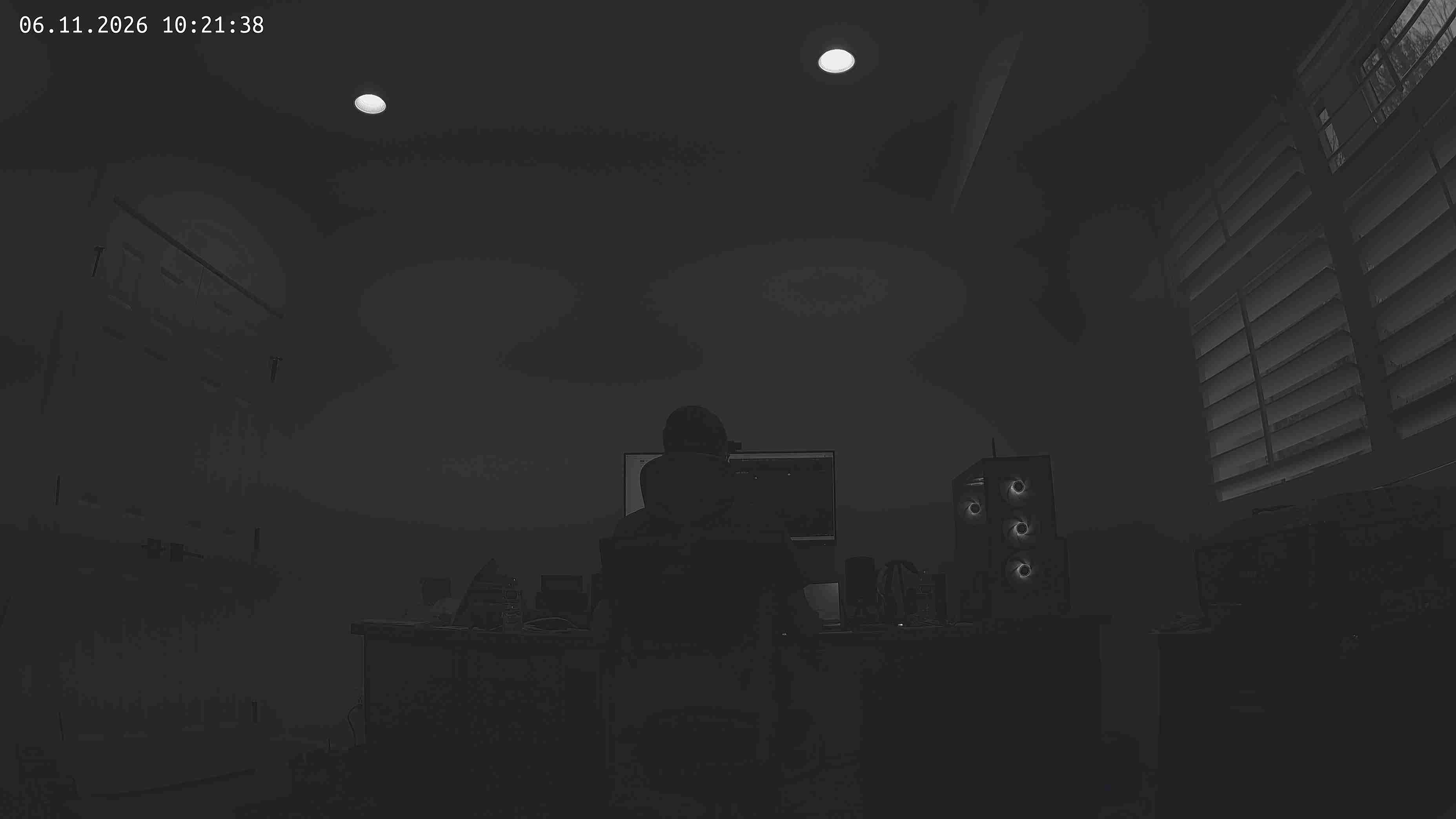
snapshot sc850sl.bin no IR filter
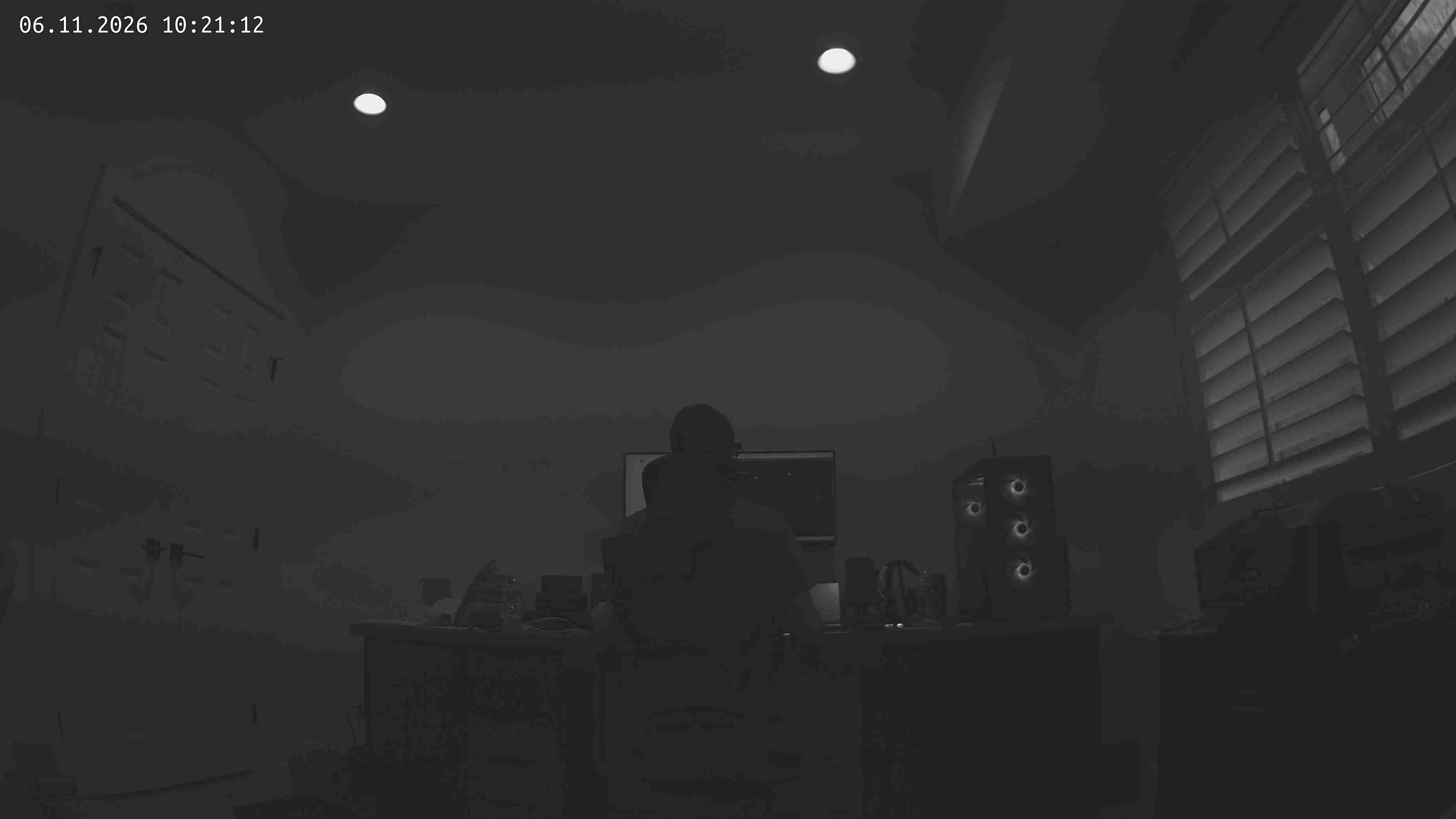
snapshot gc4023_day.bin sensor with IR filter
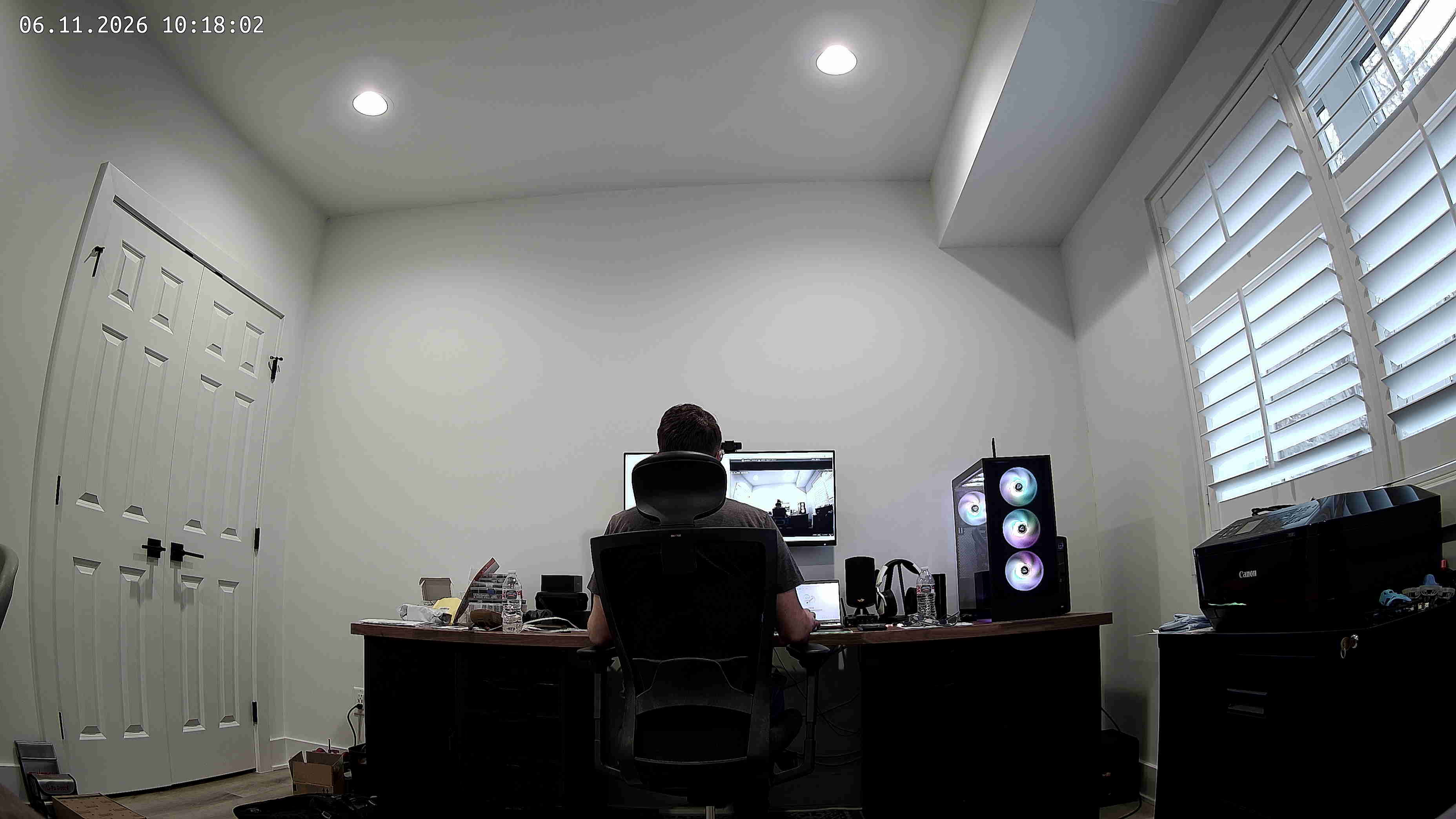
snapshot gc4023_day.bin sensor no IR filter
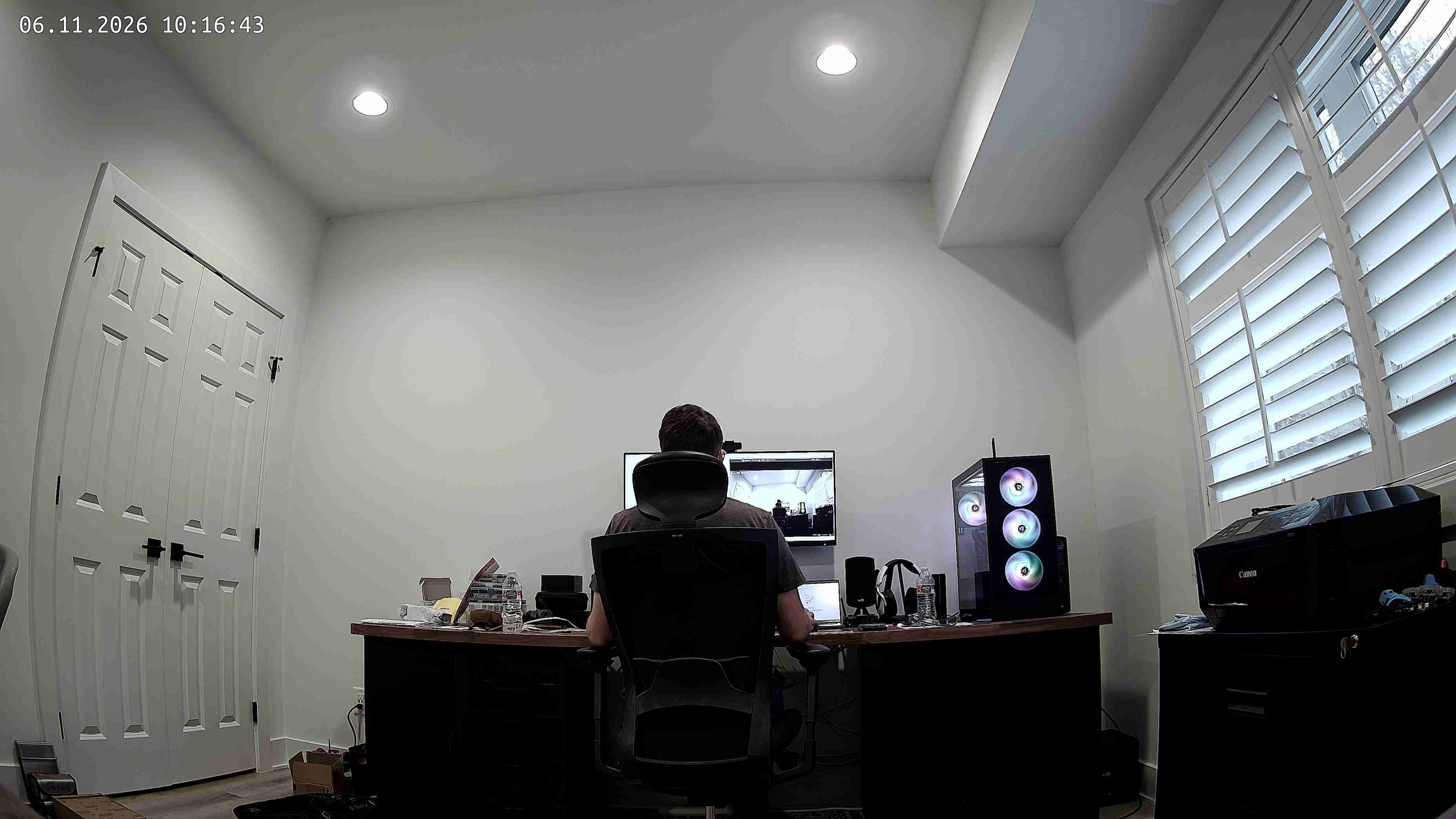
snapshot untuned no IR filter
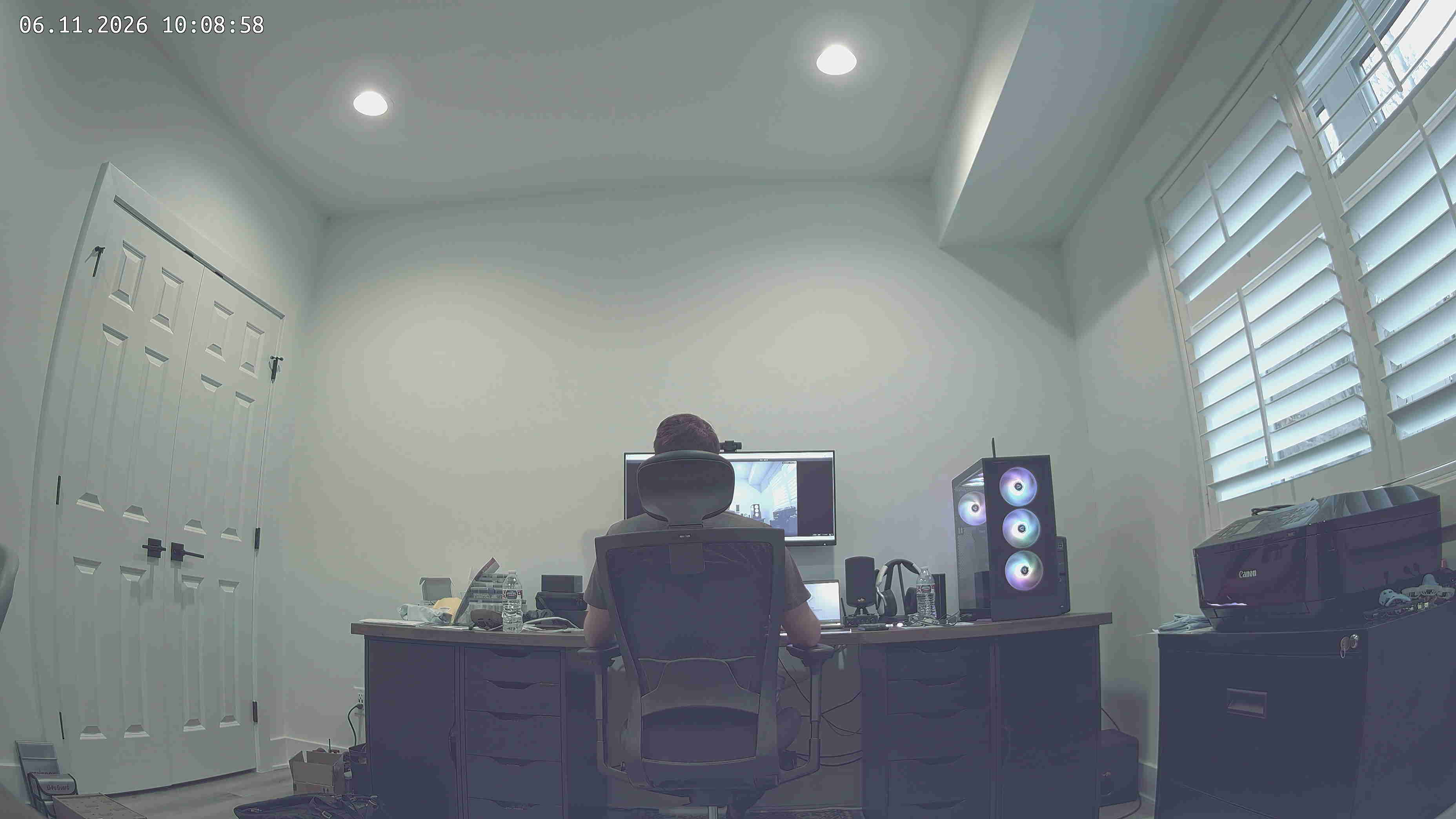
snapshot untuned with IR filter
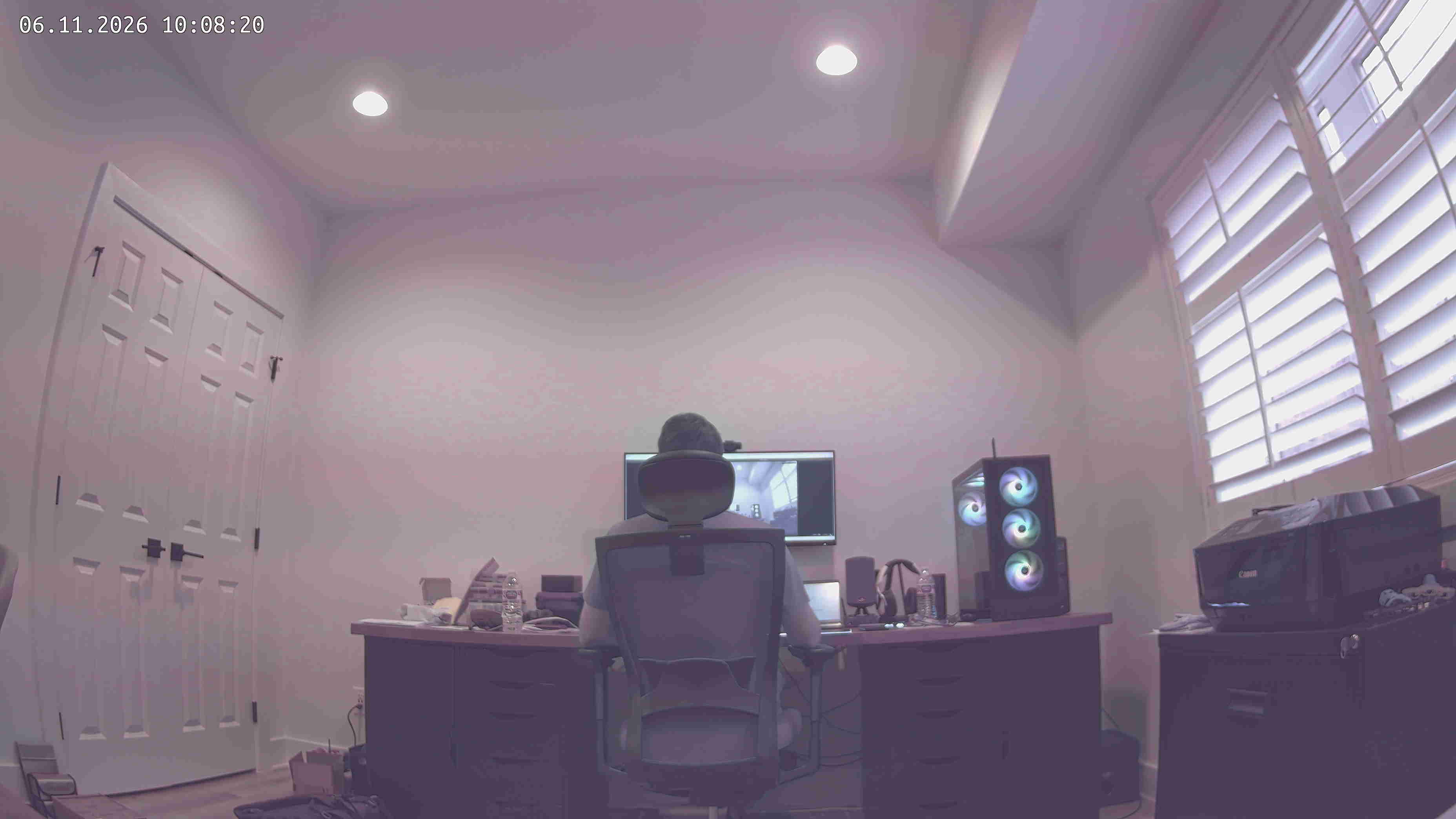
34 remaining items
openipc-ai commentedon Nov 11, 2026
Thanks for trying it. Taking these in turn:
Colorless + Colour night both on. Colour night wins: the picture stays in colour, lit by the white lamp. Colorless night mode only applies to an IR night, when the filter is out. You're right that the page doesn't say so; we'll add that and grey out Colorless while Colour night is on.
Mobile overflow. Confirmed as our bug, we'll fix the switch row.
No RX_bad on stock. That's the most important result so far, because it means the stock firmware sets up the Ethernet link in a way the lamp doesn't disturb. Please check, for each firmware: the link speed the switch shows for the port (10 or 100 Mbit/s, full or half duplex), and
cat /sys/class/net/eth0/speed /sys/class/net/eth0/duplexon the camera if you have a shell on stock. For the 10–100× frame difference: was a player connected to the stock camera while you counted, and at what bitrate? Without a viewer it may send almost nothing.Night by picture not switching. Please post, in a dark scene: the
nightMode:section of/etc/majestic.yaml, the output ofcurl -s -u root:<password> http://localhost/metrics/night, andlogread | grep -i night | tail -30.Separate PWM per lamp. Agreed. Today the frequency and brightness limits are shared between the two lamps. We'll track it as a feature request.
caall99 commentedon Nov 13, 2026
Here are some new findings. I tested the Vikylin C88 (MCJ86) OpenIPC flashed camera with a POE splitter. That way the 12v was fed directly into the barrel jack, vs. letting the POE module/daughterboard inside the camera do the voltage step-down from 48v to 12v. After this change, I have ZERO stuttering, and can support bit rates over 30Mbits/s. No amount of LED toggling causes RX-bad packets, and everything is working perfectly. It appears to be a defect in the design of the camera, either due to cross-talk between wires, noise injection from the voltage conversion circuitry or something else.
Picture: the four lamp switches fit a phone; Day/Night: the white lam…
openipc-ai commentedon Nov 13, 2026
Great find, thank you. That settles it: with the camera's own PoE module out of the circuit the link stays clean whatever the lamps do, so the freezes come from that module under lamp load, not from the firmware. For anyone else with this camera, there are two workarounds: power it with 12 V into the barrel jack (a PoE splitter does this), or keep the white lamp at about 20% on PoE.
From your other reports, these are merged and will be in the next nightly build:
nightMode.whiteLightPwmFreq,whiteLightPwmMin,whiteLightPwmMaxandwhiteLightPwmGamma, in the "Dimmable lamp" group under Day / Night settings. Each one replaces itsbacklightPwm*counterpart for the white lamp only. Empty means "the same as the IR lamp", so you can now set the white lamp's frequency and brightness without touching the IR one.whiteLightPwmMaxis also how bright the White switch lights it.whiteLightonmanualand the white lamp off) follows Colorless. The setting now says so, and a note appears under it while both are on.The wiki has the details: two lamps and the
nightModereference.Still open: night by picture not switching. Please post these, taken in a dark scene, and I'll look at why it isn't switching:
nightMode:section of/etc/majestic.yamlcurl -s -u root:<password> http://localhost/metrics/nightlogread | grep -i night | tail -30dimerr commentedon Nov 16, 2026
In openipc i had to set 180 degrees mirror flip in order to match real sensor orientation...
dimerr commentedon Nov 16, 2026
openipc-ai commentedon Nov 16, 2026
Thanks for joining in. You're the second MC-J86 owner on OpenIPC, so this helps.
Flip/mirror: that's expected on this module. The sensor is mounted rotated, and the stock firmware presumably corrects for it in its own settings (I haven't checked where). On OpenIPC it's a per-camera setting. Turning on both mirror and flip on the Picture page is right, or from a shell:
It's stored in
/etc/majestic.yaml, so it survives a reboot and a sysupgrade.Picture quality: OpenIPC currently has no tuning (IQ) file for the SC850SL. The ISP runs with untuned defaults, which typically gives the dark image and colour cast in one of your shots. That's a known gap on this camera, not something on your side. Earlier in this thread, the vendor's own file (
gc4023_day.binin the stock image, which is really the SC850SL tuning) was tried. It brought other problems, so it isn't a drop-in fix yet.To be sure we're looking at the same thing, please tell me:
cat /etc/os-release | grep -i buildandls -l /etc/sensors/;logread | grep -iE 'isp|iq|sensor' | tail -20.dimerr commentedon Nov 17, 2026
Well, we have stock dump and there are iq profiles, but obviously ive tried all of them and none has helped. dark screenshot is openipc
caall99 commentedon Nov 17, 2026
Increase your WDR to 255
dimerr commentedon Nov 17, 2026
if you mean DRC - its not working at all there
caall99 commentedon Nov 17, 2026
Wide dynamic range under ISP/Exposure settings
dimerr commentedon Nov 17, 2026
its DRC and its not working on this platform
caall99 commentedon Nov 17, 2026
I don't know anything about DRC... but did you change WDR like I recommended?
dimerr commentedon Nov 17, 2026
I've changed and I've told you it doesn;t work on this platform and this is not WDR , its DRC aka DWDR
caall99 commentedon Nov 17, 2026
I have not touched the DRC field, and only adjusted the WDR all the way to 255 with the new sc850sl sensor profile (derived from the factory gc4023_day.bin). My picture looks very much like the stock firmware. Do you also own the Vikylin C88? Or is this another variant of the MCJ86?